14/5/2026 · 6 min read
AI-assisted prototyping has quietly become one of the most significant workflow shifts in product design over the last eighteen months. Tools like Figma Make, Claude, v0, and Cursor have moved from novelty to daily infrastructure for teams that build products fast. The question is no longer whether to use them, but how to integrate them without losing the judgment that makes prototypes valuable in the first place.
This article is about the practical reality of AI-assisted prototyping in 2026 — what it's genuinely good for, where it still fails, and the workflow I've landed on after using these tools across a dozen real projects.

Before AI tools matured, the prototyping loop looked like this: sketch on paper, move to Figma, spend several hours building components, wire interactions, share with stakeholders, collect feedback, revise. For a moderately complex flow — say, an onboarding sequence or a checkout redesign — this could easily run three to four days from blank canvas to something testable.
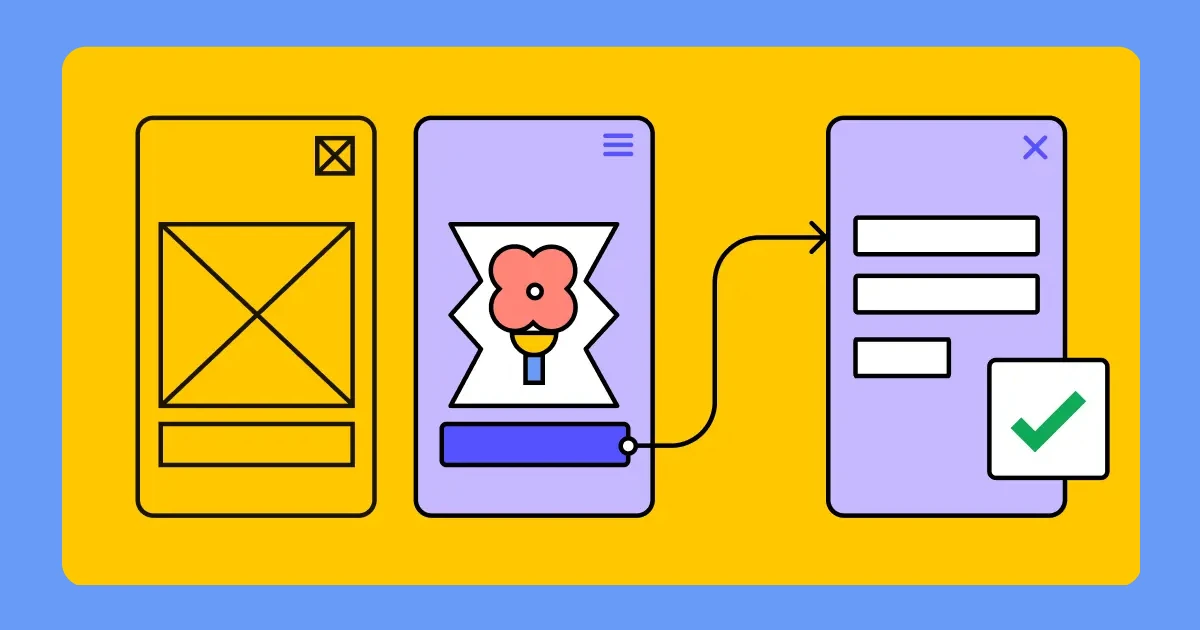
The AI-augmented loop compresses the middle. You describe what you need, the tool generates a working starting point, you iterate from there rather than from zero. The sketch-to-testable-artifact gap shrinks from days to hours. But the compression isn't uniform — the time saved is mostly in the mechanical assembly phase, not in the thinking phase. You still need to define the problem, identify the assumptions you're testing, and interpret the results.
What's changed is where you spend your energy. Less time building components, more time refining flows, interrogating assumptions, and deciding what to test. That's a good trade if you use the saved time for thinking. It's a bad trade if you use it to generate more screens without deeper reasoning behind them.
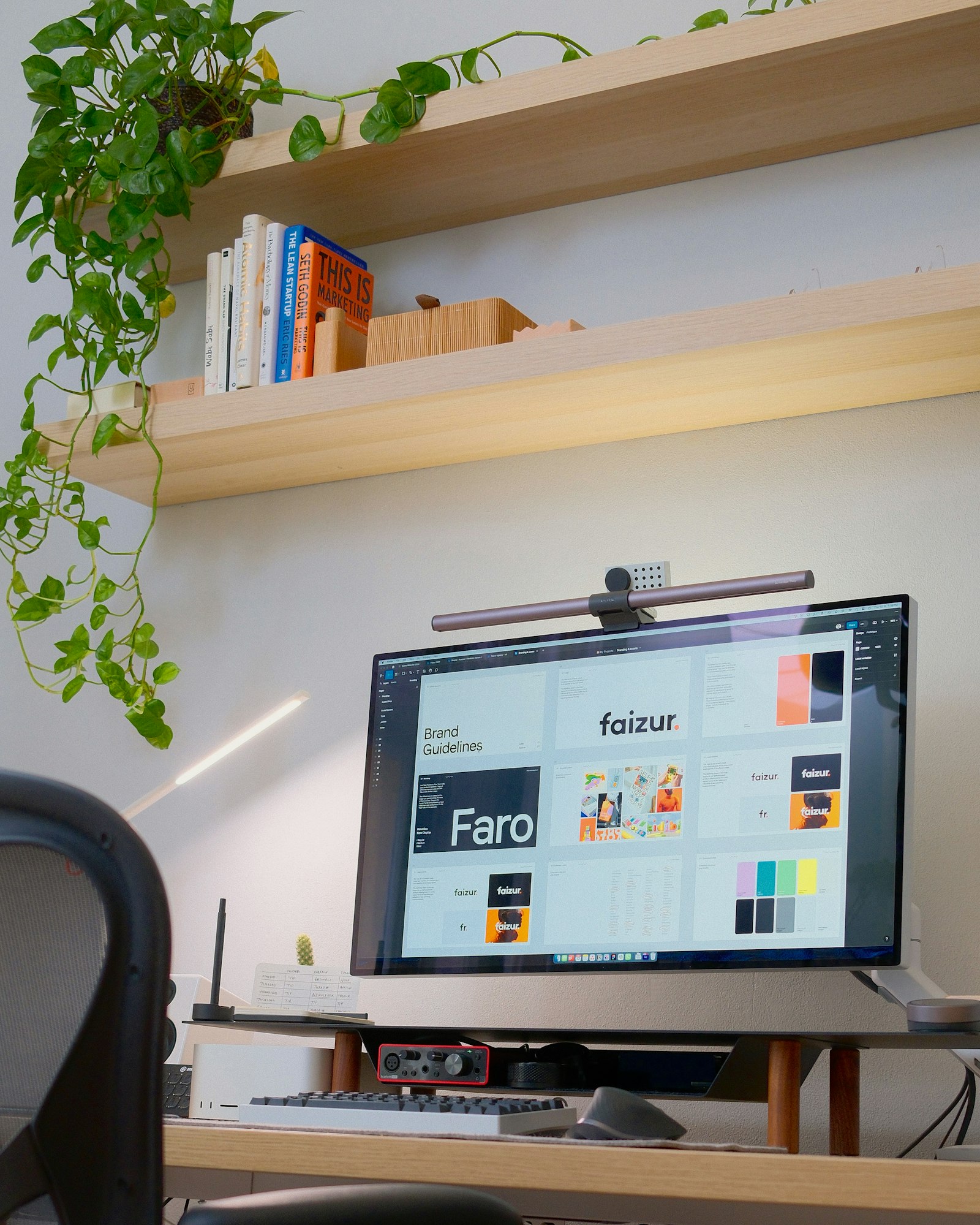
Figma Make is the most design-system-aware of the current tools. It can generate layouts that reference your existing component library, which means the output doesn't look like a generic template — it looks like your product. The catch is that it works best when your design system is already clean and well-named. If your file is a graveyard of duplicate components, Make's output inherits that chaos.
v0 and similar code-generation tools generate React components that you can paste directly into a codebase. For interaction-heavy prototypes where Figma's prototyping falls short — complex conditional states, live data, animated microinteractions — generated code running in a browser is often more honest than anything you can wire in a design tool. Engineers tend to trust it more too, which speeds up the conversation from prototype to implementation.
Claude and similar language models are most useful at the edges of the process: writing the user story before you open a design tool, generating copy for every state of a flow (not just the happy path), reviewing a prototype description for logical gaps, or drafting the brief for a usability test. These are the tasks designers have always done but often done quickly and incompletely. AI does them thoroughly in seconds.

The biggest risk in AI-assisted prototyping isn't bad output — it's output that's good enough to feel finished when it isn't. A generated UI can look polished and complete while missing every meaningful design decision: the information hierarchy, the error states, the empty states, the accessibility of the interactive elements, the actual content that real users will see.
The trap is that stakeholders respond to visual polish. A well-rendered AI prototype in a presentation will generate feedback about colors and typography instead of flow and logic. You've shifted the conversation to the wrong level. The remedy is to keep early AI prototypes deliberately rough — or to annotate them clearly as structural explorations, not visual proposals.
AI prototypes also have a homogeneity problem. Because the models are trained on existing UI patterns, they tend to generate familiar solutions. If you're trying to find a genuinely novel interaction model for a novel problem, AI prototyping will actively work against you — it will keep suggesting the obvious. In those cases, the low-fidelity paper sketch is still the better first tool.

For most product work, I start with a written brief — the problem, the user goal, the key constraints, and the one assumption the prototype needs to validate. I'll use Claude to pressure-test that brief: point out what's missing, flag ambiguities, suggest what states I need to design beyond the happy path. That conversation takes ten minutes and prevents a lot of rework later.
Then I use Figma Make or v0 to generate a structural starting point — the layout and component placement, not the final design. I treat this output the way a sculptor treats rough-cut stone: it saves me from starting from nothing, but everything interesting happens in the shaping afterward. I pull the generated structure into my design system, replace generic components with real ones, and design every state that the prototype needs to function as a proper test.
The final step before sharing is always a walkthrough against the original brief. Does this prototype actually test the assumption we identified? If the answer is no — if it's testing something adjacent or testing nothing at all — I go back and sharpen it. The AI saved time in the middle, but the judgment at the beginning and end is still entirely human. That's the part you can't outsource.

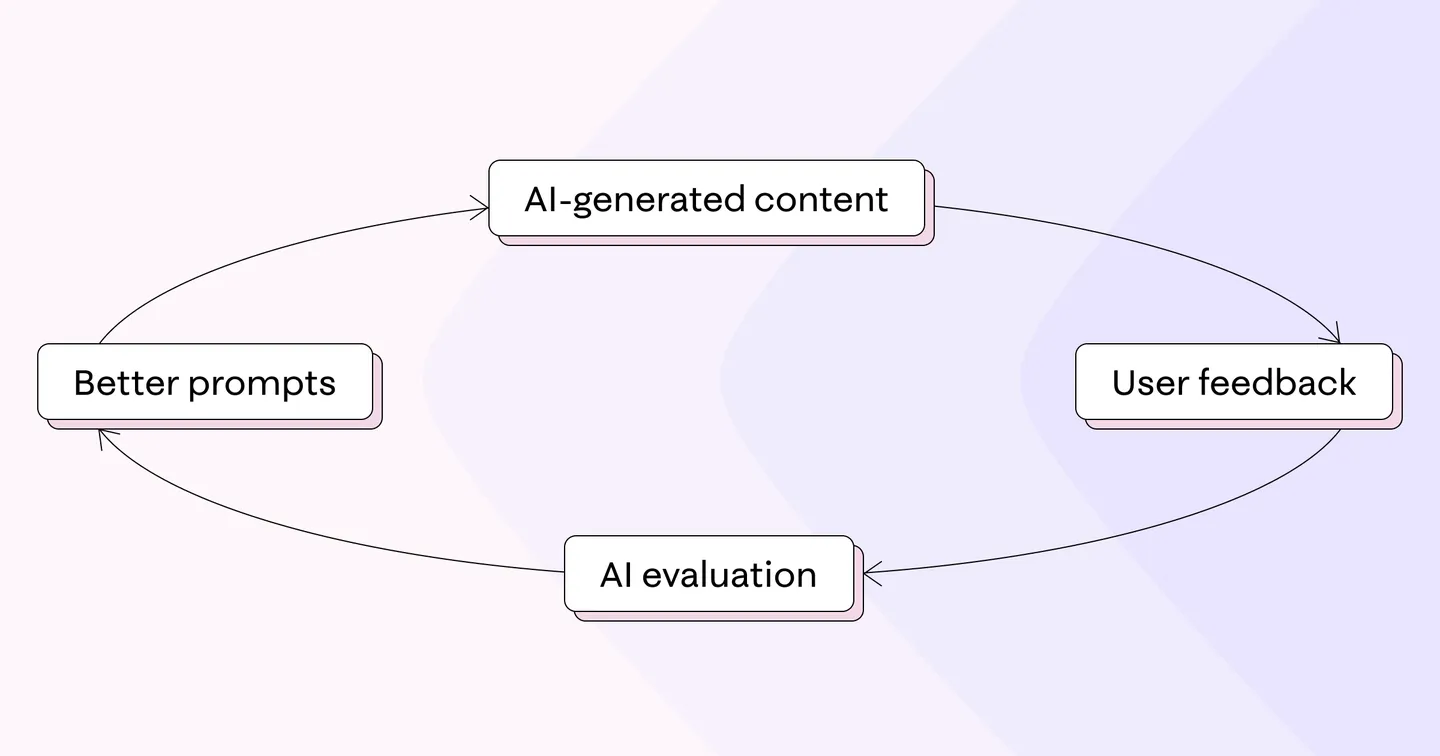
The designers who are getting the most from these tools are not the ones generating the most output. They're the ones who start with sharper questions, iterate faster between prototype and feedback, and spend the recovered time on the thinking that AI cannot replace: defining the problem, challenging the brief, and making judgment calls about what matters.
Use AI to compress the mechanical work. Guard your time for the consequential work. The tools are genuinely useful — just not in the way most of the hype suggests.